Cut the Cable Cord: 10 Streaming Setups That Save Real Money
Cut the cable cord and you could save over $1,000 a year, which is not an exaggeration. I finally ditched my $140 monthly cable bill last spring and now pay $45 for streaming services that I actually watch. The hardest part was not the technology, it was deciding which services to keep. These ten setups cover every type of viewer, from sports fanatics to casual binge-watchers.
1. The Antenna Plus Netflix Combo
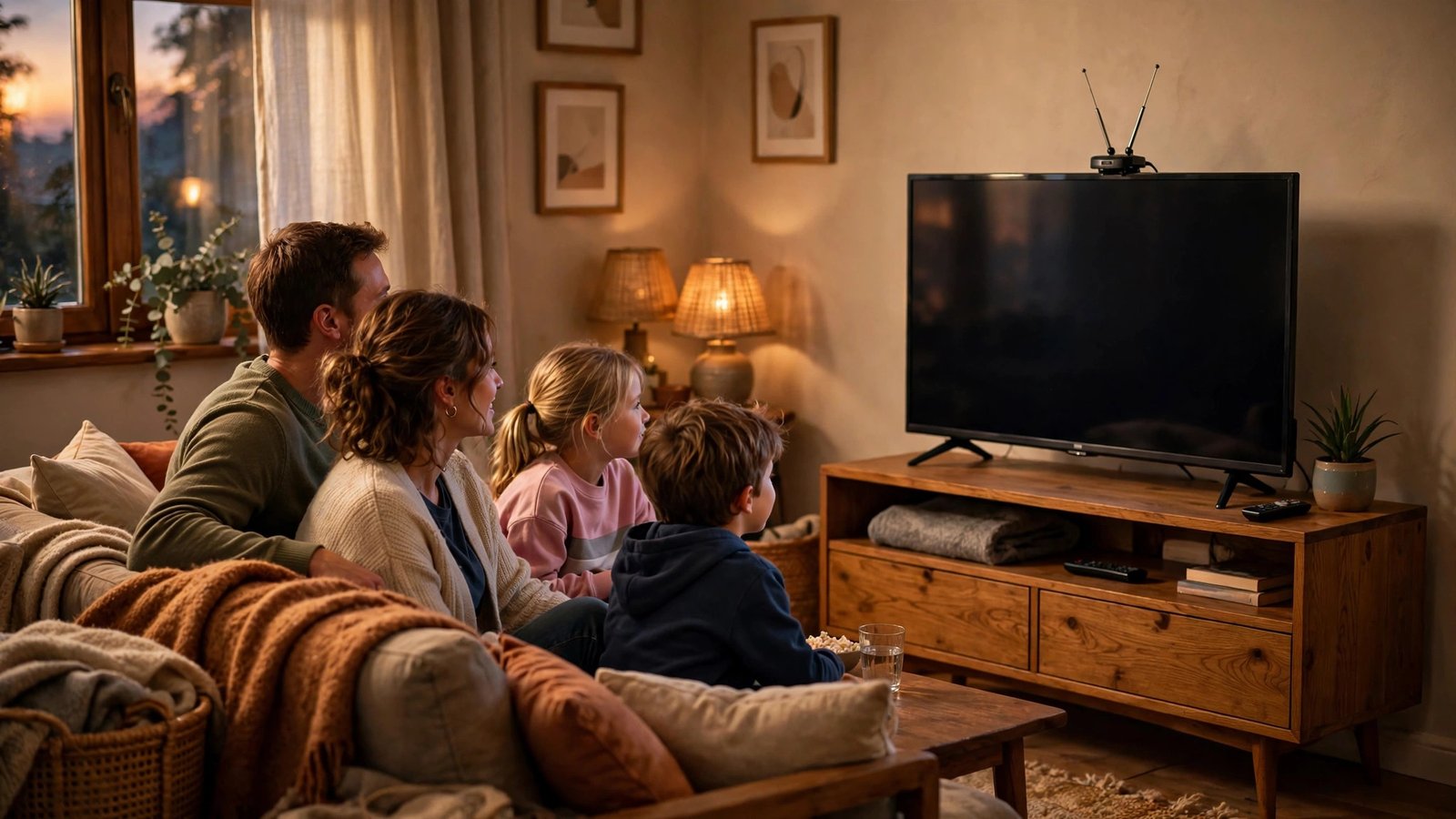
This is the classic cord-cutter starter pack for good reason. A $30 indoor antenna pulls in local ABC, CBS, NBC, and Fox broadcasts in crisp HD for free, forever. Pair it with a basic Netflix plan and you cover live local TV plus a deep on-demand library for under $20 a month.
I used this exact setup for my first year without cable and barely noticed the difference. Live sports on local channels, evening news, and Netflix originals handled ninety percent of my viewing. The antenna pays for itself in the first month, making this the fastest way to cut the cable cord on a budget.
2. Roku Stick Starter Kit
If your TV is not smart, a Roku Express or Amazon Fire TV Stick transforms it for around $30. These little devices plug into an HDMI port and unlock every major streaming app with a simple remote your grandparents could master. Setup takes about ten minutes including WiFi.
The beauty is flexibility: subscribe to services month to month, cancel anytime, and never pay equipment rental fees again. I keep a Fire Stick in my travel bag because hotel TVs become instantly useful with it. For the price of one month of cable, you own the hardware outright.
3. YouTube TV for Cable Loyalists
Some people genuinely want the cable experience without the cable company, and YouTube TV delivers exactly that. You get 100+ live channels, unlimited cloud DVR, and three simultaneous streams for around $73 a month. It is not the cheapest option, but it still undercuts most cable packages.
The interface feels modern instead of the clunky cable box menus we all hated. Sports fans especially appreciate the clean multiview and key plays features. If your cable bill tops $120, switching here saves real money while changing almost nothing about how you watch.
4. Sling TV on a Budget
Sling TV built its reputation as the skinny bundle for cord-cutters watching their wallets. Starting around $40 a month, you pick either the Orange or Blue package based on which channels matter to you. It is the cheapest way to get ESPN and other cable staples legally.
The trade-off is a smaller channel lineup and only one stream on Orange, so it suits singles and couples better than big families. I recommend Sling to friends who mainly want sports and a few cable favorites without paying for 200 channels they never open. Add an antenna for locals and you are set.
5. The Free Streaming Stack
Here is a secret the streaming giants hope you ignore: Tubi, Pluto TV, The Roku Channel, and Freevee offer thousands of movies and shows for literally zero dollars. They run ads, but so did cable, and you were paying $100+ for the privilege. The content libraries keep growing every month.
Combine these free apps with an antenna and you have a genuinely complete TV setup costing nothing monthly. The movie selection skews older, but hidden gems abound if you browse patiently. This free stack works perfectly as a supplement or even a full replacement for light viewers.
6. The Disney Bundle for Families
Families with kids face a specific math problem, and the Disney+, Hulu, ESPN+ bundle solves it elegantly for around $15 a month with ads. Disney+ alone justifies the cost if you have young children, while Hulu covers adult shows and next-day network episodes.
ESPN+ adds niche sports and documentaries that dads tend to love. Parental controls across all three services actually work well, letting you set profiles by age. Compared to cable packages bloated with kids’ channels you never watch, this bundle feels almost unfairly cheap.
7. Apple TV Plus Minimalist
Apple TV+ costs under $10 a month and punches absurdly above its weight with shows like Ted Lasso and Severance. The library is small but nearly everything on it is excellent, which means less scrolling and more watching. Quality over quantity genuinely works here.
Pair it with one other service and free apps, and many viewers find they watch less but enjoy it more. Apple also bundles it free for months with device purchases, so check if you already have access. For deliberate viewers tired of endless choice paralysis, this minimalist approach feels refreshing.
8. The Sports Fan Survival Kit
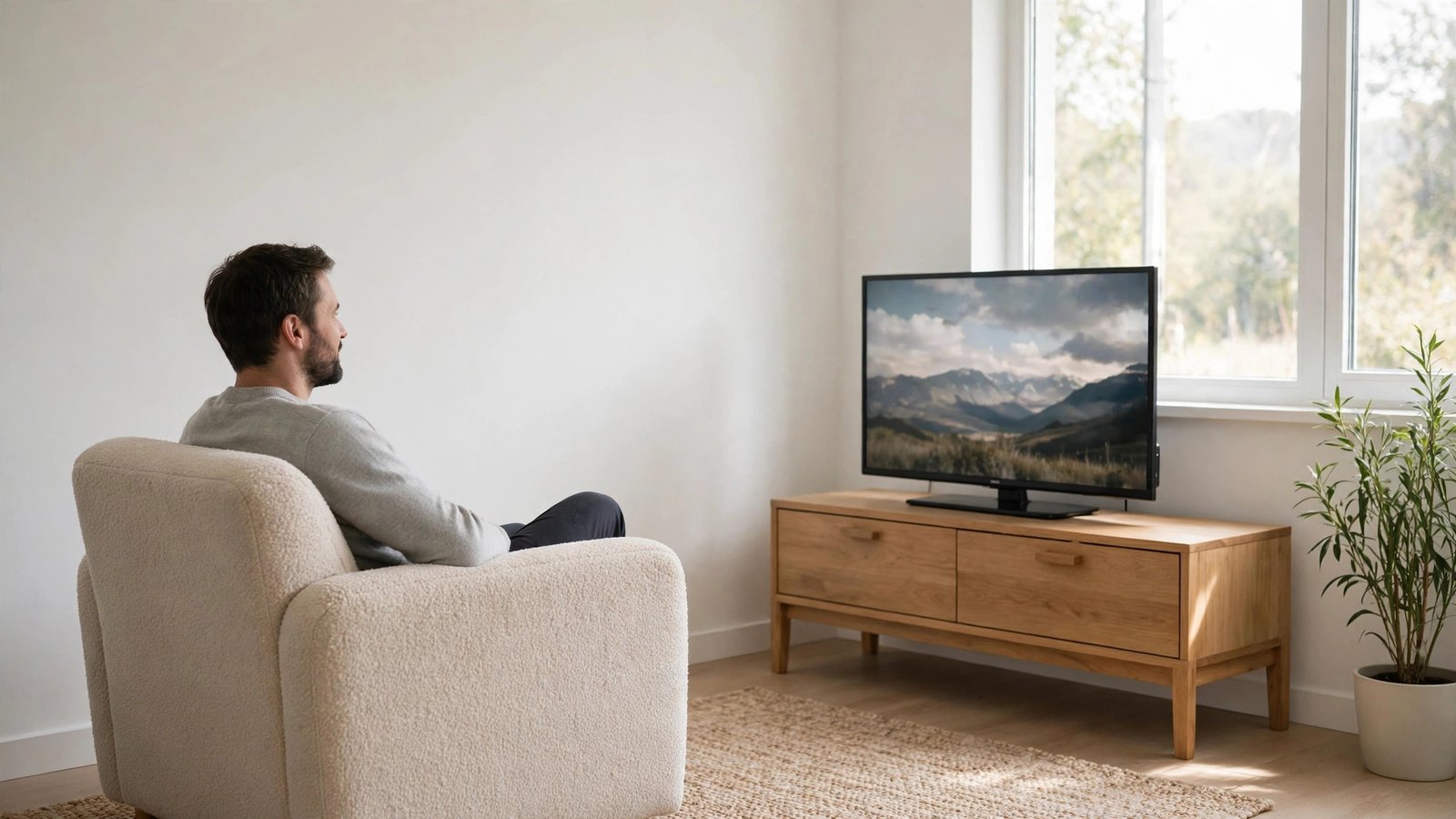
Sports keep more people on cable than anything else, but the streaming options finally caught up. An antenna covers local NFL and major events free, ESPN+ handles out-of-market games and UFC, and a service like Fubo fills the gaps during your specific season.
The smart move is subscribing seasonally: get the sports service when your league plays, cancel when it ends. I know fans who pay for streaming only six months a year and use an antenna the rest. This seasonal rotation can cut sports viewing costs in half compared to year-round cable.
9. The Rotation Strategy
Nobody needs five streaming subscriptions running simultaneously, yet millions pay for exactly that. The rotation strategy means keeping one or two services active, binging everything you want, then canceling and switching to the next one. Your watchlist becomes a seasonal schedule.
Most services let you cancel in two taps and keep your profiles for months, so resubscribing later is painless. I rotate quarterly and estimate I watch the same amount of content for about $25 a month average. Set a calendar reminder to cancel, because that is the only discipline this strategy requires.
10. Plex and Your Own Library
For the technically curious, Plex turns a computer into your personal Netflix, streaming your own movie and music collection to any device. Rip your DVD collection once, organize it beautifully, and never pay to watch movies you already own. The software itself is free.
This setup appeals to collectors and anyone with slow internet, since local streaming never buffers. Pair Plex with an antenna DVR and you essentially build a private cable company for your household. It takes an afternoon to configure, but then it runs quietly for years with zero monthly cost.
FAQs
How much money do you really save when you cut the cable cord?
The average cable bill runs $100 to $150 monthly, while most cord-cutter setups cost $20 to $50. That means typical savings of $600 to $1,200 per year. Your exact savings depend on which services you choose and whether you rotate subscriptions seasonally instead of keeping everything active year-round.
Can I still watch live sports after I cut the cable cord?
Yes, though it takes slightly more planning. An antenna covers local NFL, NBA, and MLB broadcasts free. ESPN+, Peacock, and league-specific apps handle most other games. YouTube TV or Fubo replicate the full cable sports experience if you want everything in one place without juggling apps.
What internet speed do I need for streaming?
Netflix recommends 15 Mbps for 4K streaming on a single device, and 25 Mbps comfortably handles a household with multiple simultaneous streams. Most broadband plans exceed this easily. If your WiFi struggles, the problem is usually router placement or an outdated router, not your internet speed.
Is it legal to use free streaming apps like Tubi and Pluto TV?
Completely legal. These are legitimate ad-supported services with proper licensing deals, just like broadcast TV always was. They make money from commercials instead of subscriptions. Stick to well-known apps from official app stores and you never have to worry about legality.
What is the easiest way to cut the cable cord for non-techie parents?
Buy them a Roku, set it up with two or three simple apps, and tape a one-page instruction card to the coffee table. Add an antenna for local channels so the TV still works like they expect. Visit once to walk them through it, and most parents adapt within a week.
Conclusion
To cut the cable cord successfully, start with an antenna and one streaming service, then adjust based on what you actually watch. Most people discover they needed far less TV than cable convinced them to buy. What will you do with an extra thousand dollars a year?