Buying Refurbished Tech Safely: 12 Tips to Avoid a Lemon
Buying refurbished tech safely feels risky until you understand how the system actually works. I bought my first refurbished laptop nervously, convinced it would die within months. Five years later it still runs perfectly, and I have since saved thousands buying refurbished phones, tablets, and monitors. The secret is knowing where to buy, what to check, and which red flags send you running.
1. Start With Manufacturer Refurbished Programs
Apple Refurbished, Dell Outlet, Lenovo Outlet, and Samsung Re-Newed represent the gold standard for buying refurbished tech safely. These programs inspect, repair, and certify devices to like-new condition, then back them with real warranties. You pay slightly more than sketchy marketplace deals, but the peace of mind justifies every penny.
Manufacturer programs typically include new batteries, fresh outer shells, and the same warranty as new products. Apple even gives you the same one-year warranty and AppleCare eligibility. When in doubt, paying the small premium for manufacturer certification beats gambling on unknown sellers.
2. Demand a Real Warranty
A refurbished device without a warranty is just a used device with better marketing. Legitimate sellers offer at least 90 days of coverage, and the best programs match new-product warranties of a full year. This warranty is your safety net if hidden problems surface after purchase.
Read the warranty terms before buying, not after something breaks. Check whether it covers the battery, accidental damage, and who pays return shipping for repairs. Sellers who refuse warranty details or offer only 30 days are telling you exactly how much they trust their own refurbishment process.

3. Learn the Grading System
Refurbished devices come in grades, usually A, B, and C, describing cosmetic condition. Grade A looks essentially new, Grade B shows light scratches or minor wear, and Grade C has visible scuffs but works perfectly. The price drops significantly with each grade while functionality stays identical.
For devices living in cases, like phones and tablets, Grade B saves serious money with zero practical downside. Laptops you carry daily might deserve Grade A for pride of ownership. Always confirm what each seller means by their grades, since standards vary wildly between companies.
4. Check Battery Health Immediately
Batteries degrade with every charge cycle, making battery health the most important check on any refurbished portable device. Ask the seller for the current maximum capacity percentage before buying. Anything above 85 percent is solid, while below 80 percent means you will need a replacement soon.
On arrival, verify battery health yourself in settings before the return window closes. iPhones show it under Battery settings, and most laptops report it through system diagnostics. If the battery underperforms the seller’s claims, that discrepancy alone justifies a return or partial refund.
5. Verify the Return Policy First
Even careful buyers occasionally receive duds, which makes the return policy your most important purchase protection. Look for at least 14 days, preferably 30, with free return shipping. Restocking fees are a yellow flag that the seller expects unhappy customers.
Test everything aggressively during the return window: all ports, speakers, microphones, cameras, WiFi, and Bluetooth. Run the device through a full charge cycle and push it with demanding tasks. Finding problems on day three beats discovering them on day thirty-one when you are stuck with the repair bill.

6. Follow the 30 Percent Rule
A refurbished device should cost at least 30 percent less than the equivalent new model, or the savings do not justify the added risk. Calculate this against current new prices, not launch prices, since new models drop in price over time too. If the discount is only 15 percent, just buy new.
This rule also protects you from inflated “original prices” that shady sellers advertise. Check the manufacturer’s current pricing and reputable retailers before comparing. The best refurbished deals often hit 40 to 50 percent off, which is where the value becomes genuinely exciting.
7. Avoid Sellers With No Track Record
Marketplace listings from sellers with zero reviews and stock photos deserve extreme skepticism. Established refurbishers have thousands of reviews, clear business addresses, and responsive customer service. Fly-by-night sellers have none of these because they plan to disappear.
Check how long the seller has operated and read their negative reviews specifically, since those reveal real patterns. A few complaints about slow shipping are normal, but repeated reports of wrong items or refused returns signal a business to avoid. Trust accumulates slowly and evaporates instantly in the refurbished market.
8. Verify Serial Numbers and IMEI
Every legitimate device has a traceable serial number, and phones carry an IMEI number you can check against theft databases. Ask the seller for these numbers before purchase and run them through free online checkers. Stolen devices get blacklisted, leaving you with an expensive paperweight.
Also confirm the device is not activation locked or tied to someone else’s account. iPhones should have Find My iPhone disabled, and Android devices should be factory reset with previous accounts removed. A seller who hesitates to provide serial numbers is hiding something, full stop.
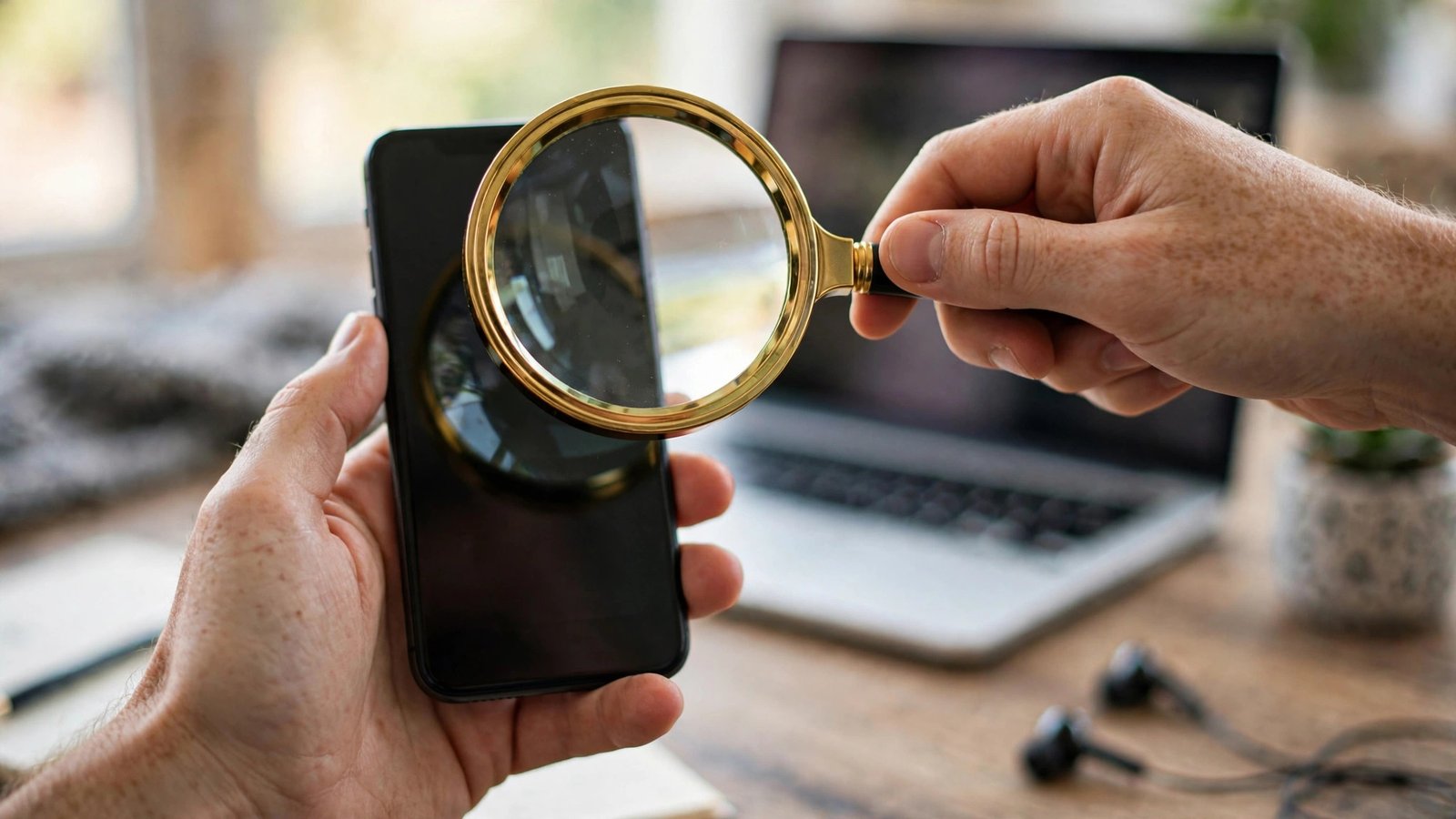
9. Inspect Thoroughly on Arrival
Unbox your refurbished device like a detective, not a kid on Christmas morning. Photograph everything during unboxing in case you need evidence for a dispute. Check the screen for dead pixels, test every button, and confirm all advertised accessories are included.
Run a full diagnostic if the device offers one, and compare the actual specifications against the listing. Wrong storage size, unexpected carrier locks, and missing chargers are the most common surprises. Document any discrepancy immediately and contact the seller before the return window starts shrinking.
10. Prefer Business-Grade Models
Corporate laptops like ThinkPads, Dell Latitudes, and HP EliteBooks are built tougher than consumer models and flood the refurbished market when companies upgrade. These machines were designed for five years of daily abuse, so a two-year-old unit still has plenty of life left.
Business models also offer better repair documentation, widely available parts, and keyboards that survive millions of keystrokes. A refurbished ThinkPad at $400 often outlasts a new consumer laptop at $600. IT departments maintain these machines well, making off-lease business gear the sweet spot of refurbished buying.
11. Time Your Purchase Right
Refurbished prices fluctuate with new product releases, creating predictable windows of opportunity. When Apple launches new iPhones each fall, previous-generation refurbished models drop sharply. The same pattern hits laptops during back-to-school and holiday sales seasons.
Corporate lease cycles also dump thousands of business laptops onto the market each spring. Set price alerts on refurbished outlets for the models you want and pounce when discounts deepen. Patience routinely saves an extra 10 to 15 percent beyond already good refurbished prices.

12. Know What Never to Buy Refurbished
Some tech categories are simply too risky refurbished, regardless of the deal. Avoid refurbished hard drives and SSDs, since you cannot verify their remaining lifespan and failure means data loss. Cheap no-name earbuds and chargers pose actual safety risks with counterfeit batteries.
Printers are another trap, with dried ink systems and worn rollers that cost more to fix than the device is worth. Stick to refurbished laptops, phones, tablets, monitors, and cameras from reputable sources. Knowing where to draw the line is just as important as knowing where the bargains hide.
FAQs
Is buying refurbished tech safely really possible for beginners?
Absolutely, as long as you stick to reputable sellers with warranties and return policies. Manufacturer refurbished programs do all the hard verification work for you. Beginners should avoid peer-to-peer marketplaces until they learn to spot red flags, but certified refurbished stores are genuinely safe for anyone.
How much can I actually save buying refurbished?
Expect 30 to 50 percent off equivalent new models from manufacturer programs, and sometimes more from third-party refurbishers. A $1,000 laptop often sells refurbished for $500 to $600 in excellent condition. The savings compound when you buy multiple devices, easily reaching thousands across a full tech setup.
Do refurbished phones come with new batteries?
Manufacturer programs like Apple Refurbished install brand-new batteries in every device. Third-party sellers vary: the best ones replace batteries below 85 percent health, while cheaper sellers leave aging batteries in place. Always ask about battery policy before buying, and verify health yourself immediately on arrival.
What is the difference between refurbished and used tech?
Refurbished devices have been professionally inspected, repaired, cleaned, and tested, usually with a warranty included. Used devices are sold as-is by previous owners with no verification or protection. That professional refurbishment process is exactly what makes buying refurbished tech safely possible while buying used remains a gamble.
Can I trust refurbished tech for business or client work?
Yes, many businesses run entirely on refurbished enterprise equipment. Business-grade refurbished laptops from Dell, Lenovo, and HP are built for reliability and come with warranties matching new products. Just buy from established sellers, keep backups of critical data regardless, and you will never notice the difference.
Conclusion
Buying refurbished tech safely comes down to three habits: buy from sellers with real warranties, verify everything during the return window, and never let a tempting price override missing protections. Follow these twelve tips and you will wonder why you ever paid full price. Which device will you upgrade first?