Budget Gaming Setup for Beginners: 12 Affordable Picks
Building a budget gaming setup feels impossible when every forum screams that you need a $2,000 graphics card to have fun. I started on a secondhand office PC with integrated graphics, and honestly, some of my best gaming memories came from that potato. You don’t need top-tier gear to enjoy modern games, you just need to spend smart. These 12 picks prove that.
1. A Used Graphics Card From the Last Generation
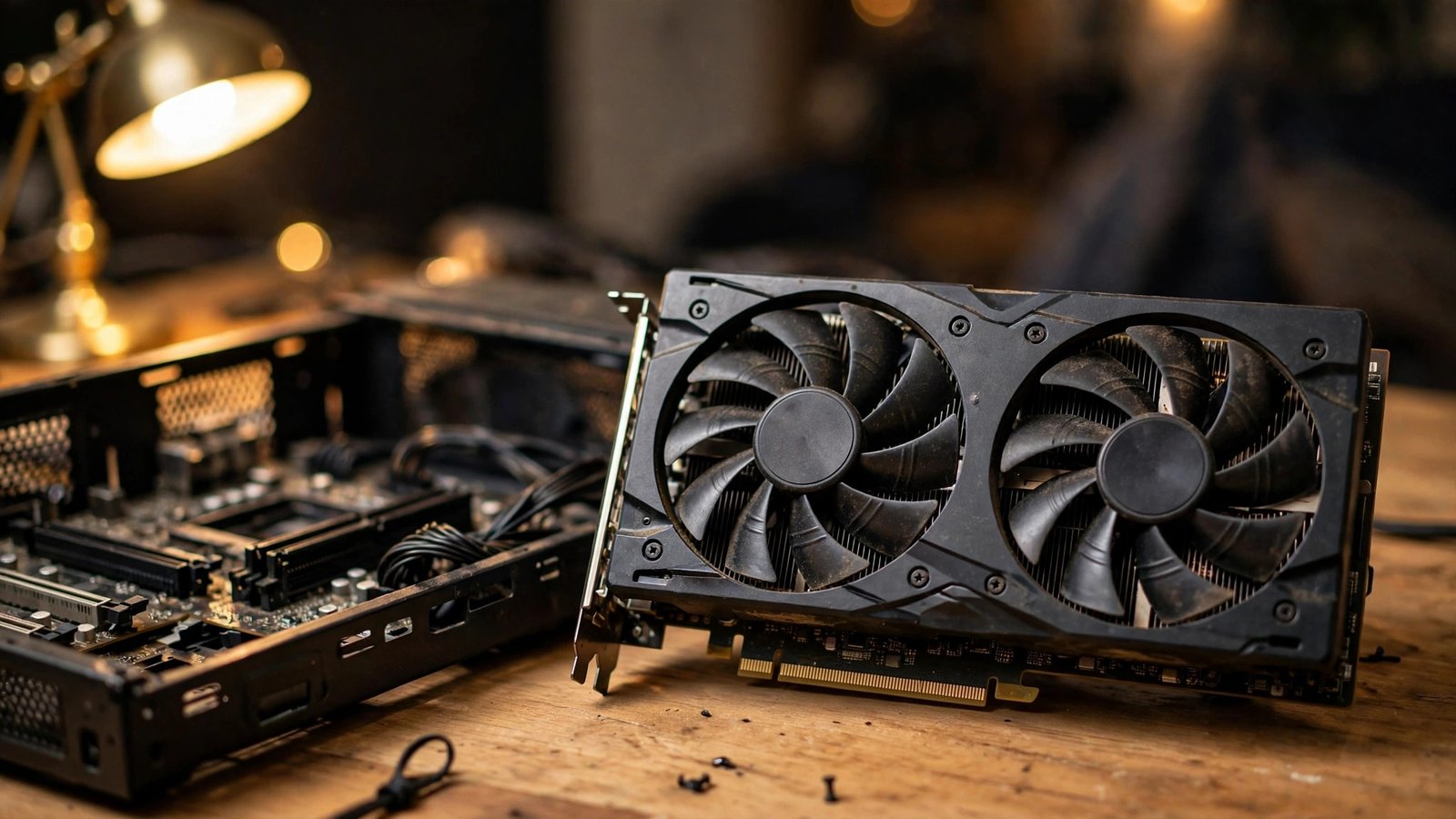
The single smartest move in any budget gaming setup is buying a used GPU that’s one generation old. A card like the RTX 3060 or RX 6600 still crushes 1080p gaming and costs a fraction of its launch price on the secondhand market. Miners are gone, gamers are upgrading, and the deals are genuinely great right now.
Check the seller’s history, ask for a stress-test screenshot, and avoid anything that smells like a scam. I grabbed my 3060 for under $200 and it runs everything I throw at it. Used GPUs are the cheat code nobody talks about enough.
2. A Ryzen 5 CPU That Punches Above Its Price
You don’t need a 16-core monster to game. A Ryzen 5 5600 costs very little and handles modern titles without breaking a sweat, especially paired with a decent GPU. Gaming barely uses more than six cores anyway, so anything beyond that is money you could spend elsewhere.
The stock cooler it ships with is perfectly fine, which saves you another $30. I ran one for two years before upgrading and never felt held back. For a budget CPU, this is the sweet spot where price and performance shake hands.
3. 16GB of DDR4 RAM (Yes, DDR4 Is Fine)
Everyone obsesses over DDR5, but DDR4 is cheaper and the gaming difference is tiny at 1080p. A 16GB kit of DDR4-3200 costs less than a nice dinner out and covers every game you’ll play for years. Don’t let anyone shame you into pricier memory.
Two sticks of 8GB in dual channel is the move, since single-channel RAM genuinely kneecaps performance. I learned that the hard way and gained 15% FPS just by adding a second stick. Dual-channel RAM is non-negotiable.
4. A 1080p 144Hz Monitor
High refresh rate changes gaming more than raw resolution ever will. A 1080p 144Hz IPS monitor makes everything feel buttery, and budget models now sell for around $120. Your eyes adjust in about ten minutes, and going back to 60Hz feels like wading through mud.
Skip the 4K dreams for now. At 1080p your affordable GPU actually hits those high frame rates, which is the whole point. I bought mine refurbished and it looked brand new. 144Hz is the upgrade you’ll feel every single second.
5. A Mechanical Keyboard That Doesn’t Cost a Fortune
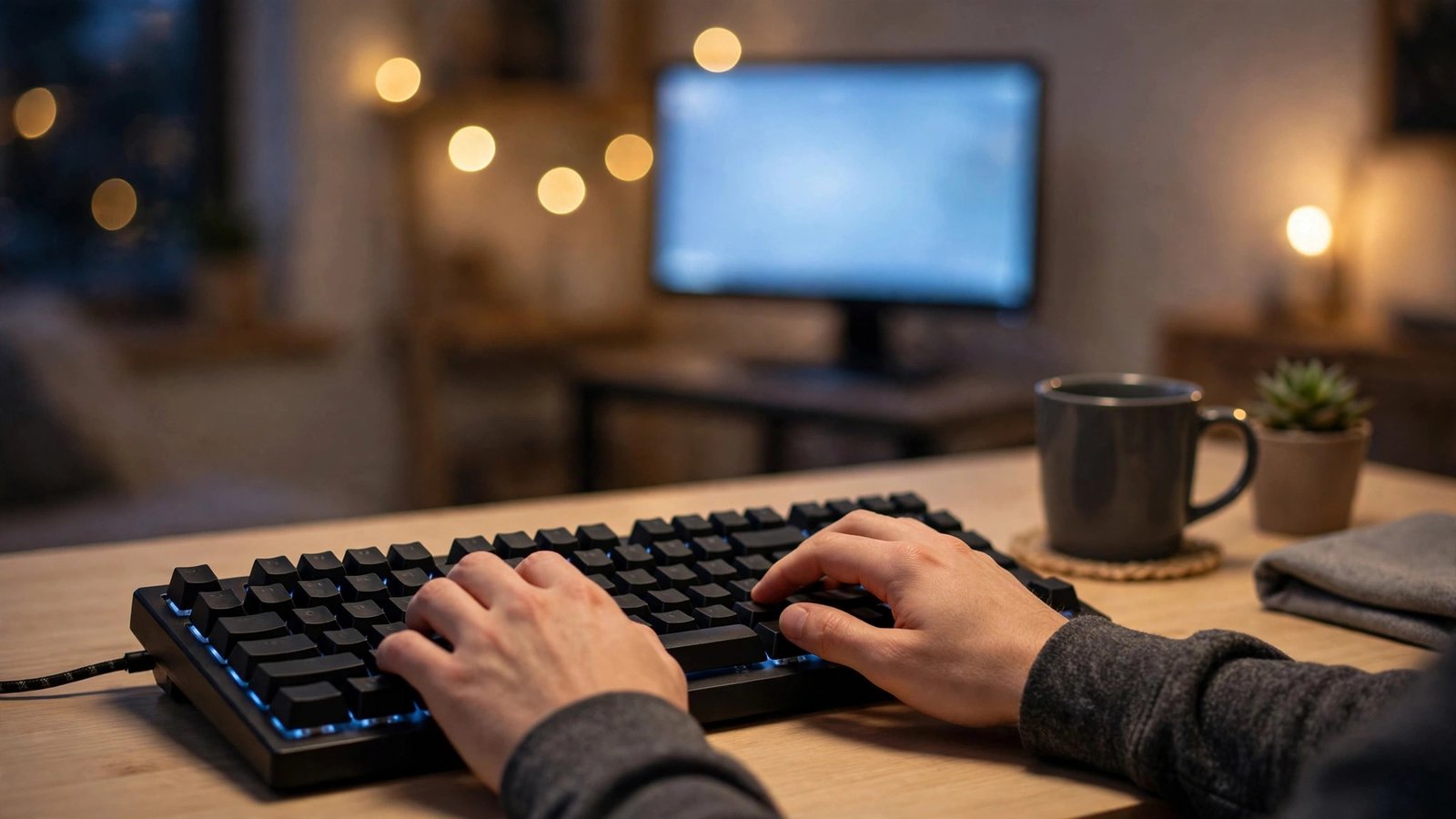
Typing and gaming on mushy membrane keys is a special kind of sadness. Budget mechanical keyboards with hot-swappable switches now cost $40 to $60 and feel incredible. Brands like Royal Kludge and Keychron make boards that rival ones triple the price.
Hot-swappable means you can change switches later without soldering, so the board grows with you. My first one survived three years of daily abuse and countless rage quits. A good mechanical keyboard makes even losing feel premium.
6. A Lightweight Gaming Mouse
A $30 gaming mouse with a decent sensor beats a $150 one from five years ago. Look for something under 70 grams with a PixArt sensor, and you’ll have tracking that keeps up with anything. Weight matters more than RGB, despite what the marketing says.
Skip the 12 side buttons unless you play MMOs. Two thumb buttons cover 95% of games. I switched from a heavy “pro” mouse to a cheap lightweight one and my aim improved overnight. Sensor quality beats brand prestige every time.
7. A Comfortable Headset With a Real Microphone
Bad audio ruins immersion, and your teammates will mute you if your mic sounds like a drive-thru speaker. A $50 headset from HyperX or Razer’s budget line delivers clear game audio and a mic that doesn’t embarrass you. Wired is fine and avoids charging hassles.
Comfort matters more than sound specs for long sessions. Clamp force and earcup depth decide whether you’ll wear it for six hours or sixty minutes. My budget headset outlasted a “premium” one that cost twice as much. Mic clarity is what your friends actually notice.
8. A Solid-State Drive (At Least 1TB)
If your games still live on a spinning hard drive, this is your biggest bottleneck. A 1TB NVMe SSD costs around $60 now and makes load times vanish. Games stream textures from storage constantly, so an SSD isn’t luxury anymore, it’s baseline.
Install Windows and your most-played games on the SSD, and use an old HDD for media storage if you have one. The first time a game loads in seconds instead of minutes, you’ll wonder why you waited. NVMe storage is the cheapest transformative upgrade in PC gaming.
9. A Case With Actual Airflow
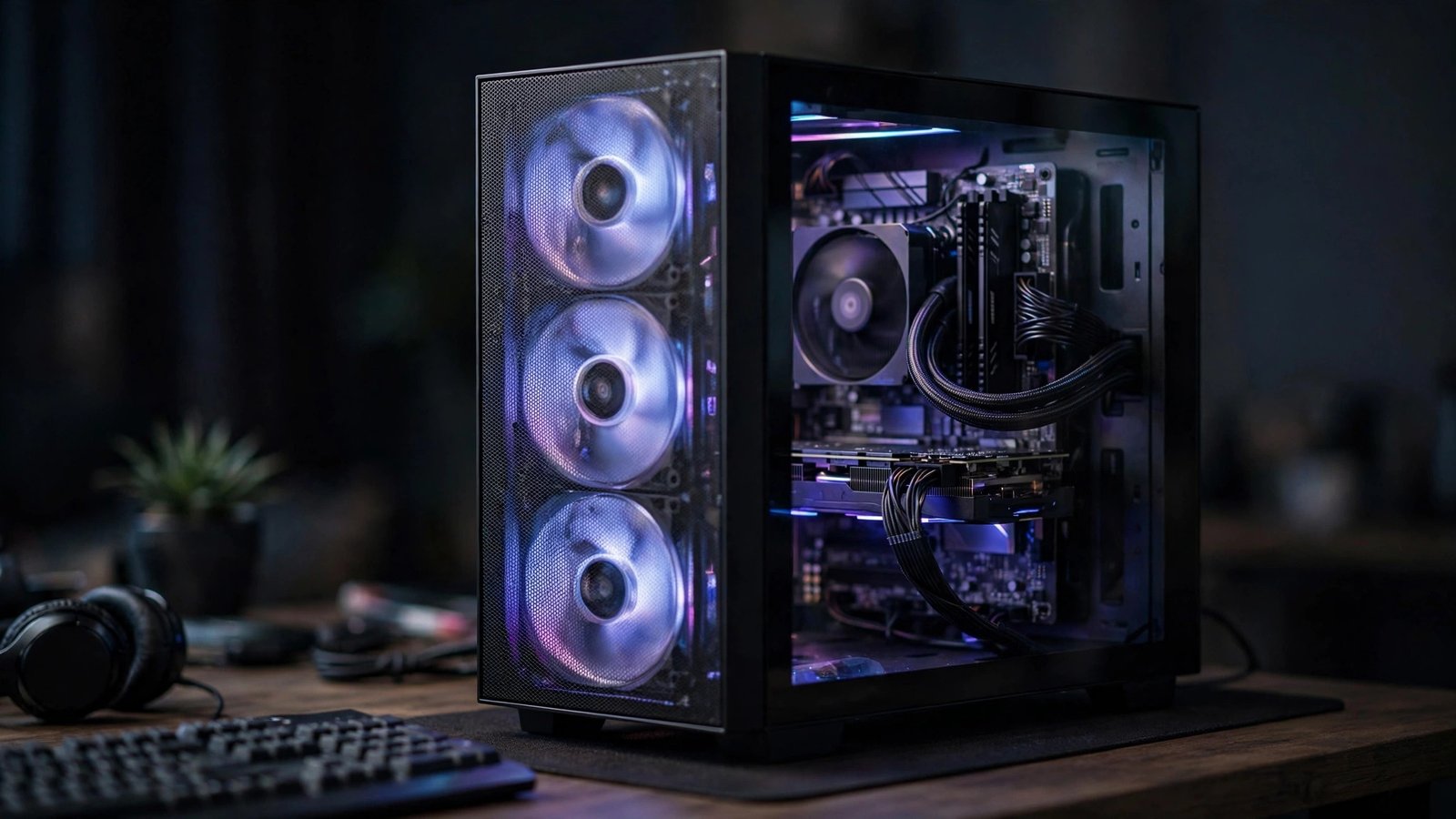
A pretty glass box with no airflow will cook your components and throttle performance. Budget cases with mesh front panels cost $50 to $70 and keep temperatures low, which means your parts boost higher and last longer. Airflow is performance you can buy cheap.
You only need two or three fans to start. Front intake, rear exhaust, done. Cable management matters less than the internet pretends, just don’t block the fans. My mesh case dropped GPU temps by 12 degrees versus my old solid-front one. Mesh panels beat tempered glass for actual gaming.
10. A Reliable 550W Power Supply
The power supply is the one part you never cheap out on, but “reliable” doesn’t mean expensive. A bronze-rated 550W unit from a reputable brand costs around $60 and safely powers any budget gaming setup. This is the component that protects everything else.
Never reuse a decade-old PSU from a prebuilt, no matter how tempting. Capacitors age, and a failing PSU can take your GPU with it. Check the PSU tier list before buying. A boring, dependable power supply is the unsung hero of every build.
11. A Decent Chair (Your Back Will Thank You)
Gaming chairs with racing stripes are mostly marketing, but sitting on a dining chair for six hours is genuine suffering. A budget ergonomic office chair, or even a used Herman Miller from an office liquidator, beats any $150 “gamer” chair. Your spine doesn’t care about RGB.
Look for adjustable lumbar support and armrests. I found my chair at a closing office sale for $40 and it’s the best gaming purchase I ever made. Comfort is a performance upgrade because pain distracts you more than low FPS ever will.
12. Free Software That Saves You Money
The best part of a budget gaming setup is how much great software costs nothing. Epic Games gives away free games weekly, Steam has endless free-to-play hits, and tools like MSI Afterburner monitor performance for free. Your library can be huge without spending a dime on games.
Set up price alerts on IsThereAnyDeal and never pay full price again. Between freebies and deep sales, I built a 200-game library for less than the cost of three new releases. Free game giveaways mean your backlog grows faster than your wallet shrinks.

FAQs
How much does a good budget gaming setup cost in total?
A solid budget gaming setup lands between $600 and $900 if you buy smart, mixing new and used parts. The GPU eats the biggest chunk, around $200 to $300 used. Everything else can be bought new on sale. You can go cheaper with older parts, but this range hits the sweet spot of performance per dollar.
Is it better to buy a prebuilt PC or build my own budget gaming setup?
Building your own almost always gets you more performance per dollar, and you learn how everything works. That said, prebuilts occasionally go on deep sale and include a Windows license. If you find a prebuilt with a real GPU (not integrated graphics) near your part list’s price, it’s a fair deal.
Can a budget gaming setup run new AAA games?
Yes, at 1080p with adjusted settings. You won’t max out ray tracing, but medium to high settings at 60+ FPS is realistic for most new releases. Developers still target the PS5’s roughly equivalent hardware, which sits squarely in budget PC territory. Your budget gaming setup will handle new games for years.
Should I buy a used GPU for my budget gaming setup?
Absolutely, it’s the best value move you can make. Stick to reputable sellers, ask for proof the card works under load, and avoid deals that seem too good to be true. Cards from smoke-free homes that were used for gaming (not mining) are ideal. A used last-gen GPU outperforms any new card at the same price.
What should I upgrade first in a budget gaming setup?
The GPU gives the biggest gaming boost, followed by moving to an SSD if you’re still on a hard drive. After that, a 144Hz monitor transforms how everything feels. Upgrade the CPU last, since budget CPUs stay relevant longer than people expect. Always fix your weakest link first.
Conclusion
A budget gaming setup isn’t a compromise, it’s just smart shopping. Buy the used GPU, grab the 144Hz monitor, and put the savings toward games you’ll actually play. What was the first upgrade that made your setup feel “real”?