Best Free Software for College Students: 12 Must-Have Apps
Hunting for free software for college students can feel like a second major, because every “free” app seems to hide the good stuff behind a paywall. I survived four years of university on free tools, and the honest truth is you never need to pay for software as a student. These twelve apps handled every assignment, project, and all-nighter I threw at them.
1. Google Docs: Free Software for College Students’ Papers
Google Docs has quietly replaced Microsoft Word on most campuses, and for good reason. It autosaves every keystroke, works in any browser, and makes group projects painless with real-time collaboration. Your professors can comment directly on drafts without email attachments.
The voice typing feature is criminally underused: you can dictate a rough draft while pacing your dorm room, then edit it into shape. I wrote half my senior thesis this way. Offline mode works through Chrome, so a dead campus WiFi signal never eats your work.
2. Notion for Organizing Your Chaotic Semester
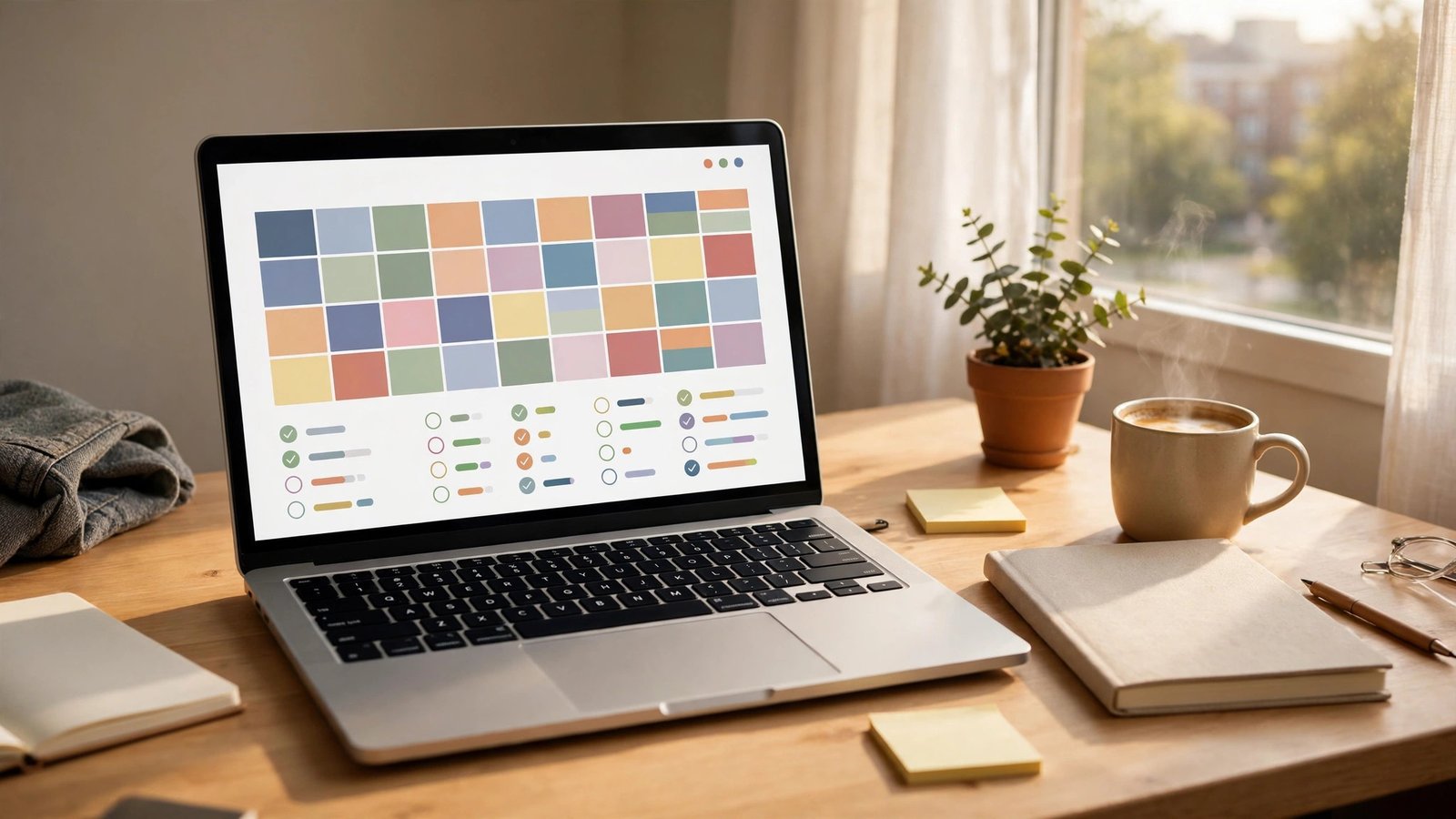
Between syllabi, deadlines, and club meetings, student life is organized chaos, and Notion tames it beautifully. You can build a dashboard with your class schedule, assignment tracker, and reading notes in one place. The free education plan gives you unlimited everything with a school email.
My favorite setup is the assignment database, where each task gets a due date, priority, and status that you sort by urgency. Watching overdue items turn red is oddly motivating. I color-coded mine by class, and for the first time ever, nothing slipped through the cracks.
3. Zotero for Citations Without Tears
Bibliographies are the worst part of research papers, and Zotero automates the whole miserable process. This free, open-source tool saves sources from your browser with one click and generates citations in APA, MLA, Chicago, or 9,000 other styles. It even builds your works-cited page automatically.
The browser connector detects when you are viewing a journal article or book page and grabs the full citation metadata instantly. I used to spend an hour formatting references by hand; Zotero does it in seconds. Every student writing research papers should install this on day one.
4. Grammarly Free for Cleaner Writing
Professors notice sloppy grammar, and Grammarly’s free tier catches the mistakes your tired eyes miss at 2 AM. It flags spelling errors, punctuation problems, and clunky phrasing as you type in Docs, email, and everywhere else. The browser extension works across basically every website.
The tone detector is surprisingly helpful for emails to professors, warning you when a message sounds too casual or demanding. I rewrote several emails after Grammarly flagged my tone, probably saving me from awkward office hours. It will not write your paper, but it will make your writing look sharper.
5. Canva for Presentations That Do Not Bore
Death by PowerPoint is real, and Canva is how you avoid inflicting it on your classmates. The free plan includes thousands of presentation templates that look like a designer made them. You can build infographics, posters, and slide decks in a fraction of the time.
The presenter notes and live collaboration mean your group can build slides together the night before without emailing files back and forth. My group project slides went from sad bullet points to something our professor actually complimented. The education version unlocks even more features free with a school email.
6. LibreOffice for Offline Office Work
Sometimes you need real desktop software without the cloud, and LibreOffice is the best free office suite nobody talks about. Writer, Calc, and Impress handle Word, Excel, and PowerPoint files with impressive compatibility. It runs on old laptops that choke on heavier apps.
The PDF export is flawless, which matters when professors demand submissions in PDF format. I kept LibreOffice installed as backup for the three times campus internet died during finals week. It looks a bit dated, but it has never failed me when it counted.
7. GIMP for Free Photo Editing
Photoshop costs money students do not have, and GIMP does 90 percent of the same job for free. This open-source image editor handles layers, filters, retouching, and graphic design tasks that come up in media and marketing classes. The interface is quirky, but tutorials are everywhere.
The layer masks work just like Photoshop’s once you learn the slightly different menus, letting you do professional compositing. I edited all the photos for my photography elective in GIMP and got an A. For class projects, nobody will know you did not pay for Adobe.
8. Audacity for Audio Projects and Podcasts
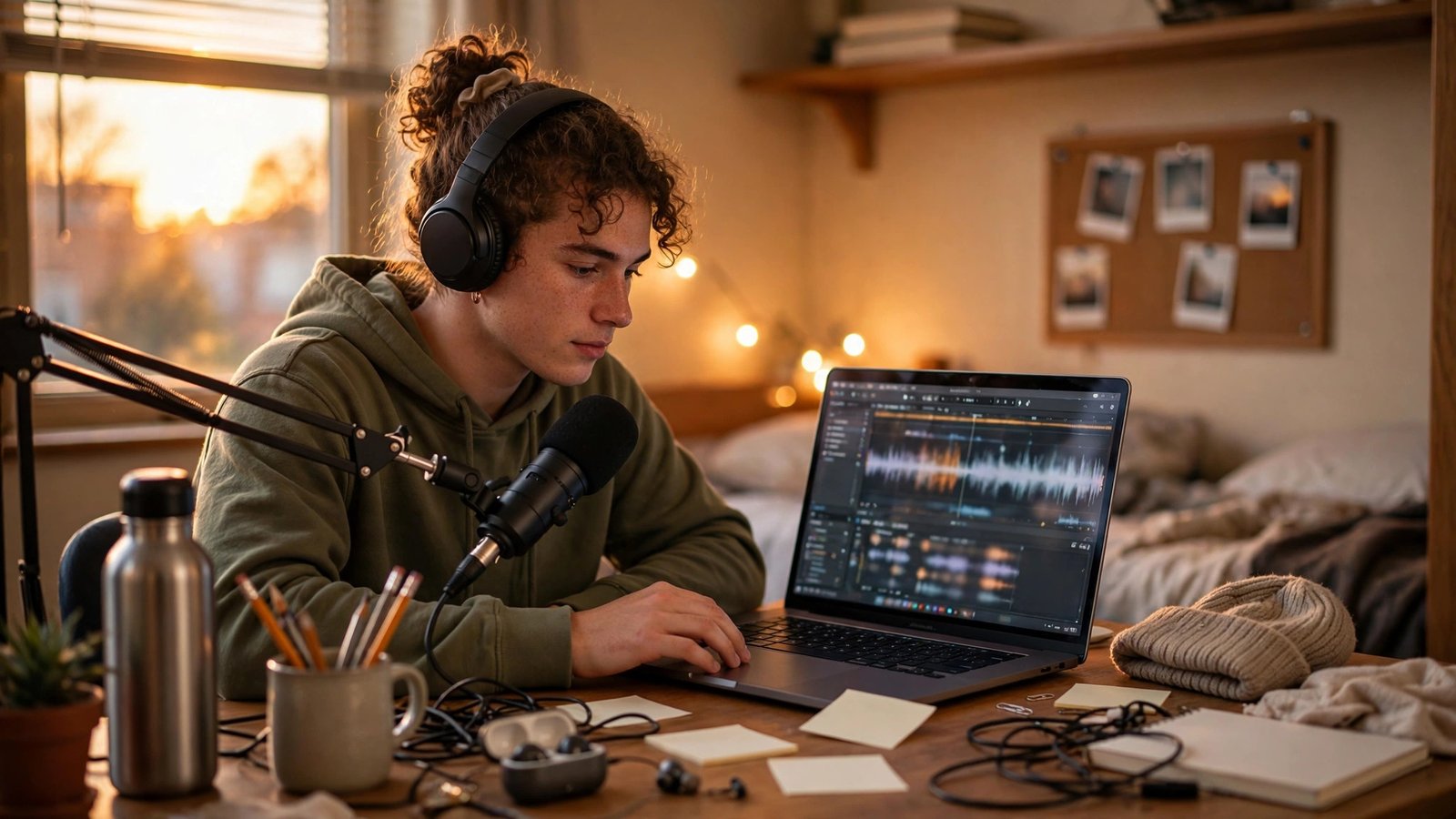
Media classes, language labs, and podcast assignments all need audio editing, and Audacity has been the free standard for decades. You can record, cut, mix, and clean up audio with tools that rival paid software. It handles everything from interview editing to removing background hum.
The noise reduction effect is magic for dorm-room recordings, stripping out fan buzz and hallway chatter with a few clicks. I produced an entire podcast series for a communications class using only Audacity and my phone. Export to MP3, upload, done.
9. Anki for Memorizing Anything
Cramming the night before an exam is a losing strategy, and Anki’s spaced repetition system is the science-backed alternative. This free flashcard app shows you cards right before you would forget them, making memorization dramatically more efficient. Medical and language students swear by it.
The shared decks are the real treasure: thousands of pre-made flashcard sets for anatomy, vocabulary, chemistry, and more, all free to download. I memorized 400 Spanish verbs in three weeks using a shared deck. Twenty minutes a day with Anki beats four hours of rereading notes.
10. Todoist for Never Missing a Deadline
Your brain is for having ideas, not storing deadlines, and Todoist’s free plan keeps every assignment organized. You type tasks in plain language like “essay due Friday,” and it sorts them automatically. The karma system gamifies productivity just enough to be fun.
The priority flags let you mark what truly matters when everything feels urgent, which is most of the semester honestly. I do a Sunday review where I dump the whole week into Todoist, and my stress drops immediately. The free tier handles everything a student needs.
11. Discord for Study Groups That Work
Group chats get messy, but Discord’s servers give your study group actual structure with separate channels per subject. Voice channels work like always-open study rooms where people drop in and out. Screen sharing makes explaining problems visual instead of textual.
The thread feature keeps side discussions from burying important announcements, which saved my study group during finals. We had channels for each class, a memes channel for morale, and voice rooms for late-night cram sessions. It beats a chaotic group text by miles.

12. VLC for Playing Any Video File Ever
Professors love assigning videos in obscure formats, and VLC plays literally everything without codecs or complaints. This free, open-source player handles every video and audio format you will encounter in four years. It is lightweight, ad-free, and never nags you.
The playback speed controls are a student superpower: watch recorded lectures at 1.5x to review faster, or slow down tricky sections. I got through a semester of recorded statistics lectures at double speed. Every student laptop should have VLC installed before the first week ends.
FAQs
Is this free software for college students really enough, or will I need paid apps?
For the vast majority of coursework, these twelve free tools cover everything: writing, research, citations, design, audio, studying, and organization. The main exception is specialized majors like architecture or film, which may require industry software your department usually provides via lab computers or student licenses. Check with your department before buying anything.
How do I get student discounts on software that is not free?
Always check for education pricing before paying full price. Adobe Creative Cloud, Microsoft 365, and many others offer steep student discounts, sometimes 60 percent off, with a school email. Sites like GitHub Student Developer Pack bundle dozens of premium tools free for students. Your university IT department often has a software portal with free licenses you already pay for through tuition.
Will free software work on my old laptop?
Mostly yes, and that is part of their charm. LibreOffice, VLC, Audacity, and Anki run happily on decade-old hardware. Browser-based tools like Google Docs, Canva, and Notion shift the heavy lifting to the cloud, so even a Chromebook handles them fine. GIMP is the heaviest app on this list; if your laptop struggles, use the browser-based Photopea instead.
Can I collaborate with classmates who use paid software?
Absolutely. Google Docs opens Word files, LibreOffice saves in Office formats, and Canva exports PowerPoint files. Zotero works alongside any word processor. The key is exporting in standard formats like .docx, .pdf, or .pptx when sharing. I collaborated with Microsoft Office users all through college using only free tools, and formatting issues were rare.
What free software for college students helps most with procrastination?
Todoist breaks scary projects into small daily tasks, which fights the overwhelm that fuels procrastination. Anki’s daily review streak creates a habit loop that keeps you studying consistently. Honestly, though, the best anti-procrastination tool is Notion’s calendar view showing every deadline in red. Nothing motivates like seeing the cliff edge approaching.
Conclusion
College is expensive enough without paying for software, and this free software for college students proves you do not have to. Install the ones matching your major this week, learn them before midterms hit, and keep that money for things that actually matter. Which one will you try first?