Stop Reusing the Same Password: 10 Easy Steps to Better Security
If you stop reusing passwords, you close the single biggest hole in your online security overnight. Most of us use the same two or three passwords everywhere, which means one breached website hands criminals the keys to your email, bank, and social accounts. Hackers count on this laziness, and automated tools test stolen passwords across hundreds of sites in seconds. These ten steps fix it for good.
1. Get a Password Manager to Stop Reusing Passwords
A password manager remembers every login so you do not have to, which removes the entire reason people reuse passwords. Apps like Bitwarden (free and excellent), 1Password, or Dashlane store encrypted logins and fill them in automatically. You memorize one strong master password, and the manager handles the other hundred.
Setup takes about twenty minutes, mostly spent saving your existing logins as you go. After that, logging in actually gets faster than typing passwords by hand. A password manager is the foundation everything else on this list builds on, so start here before anything else.
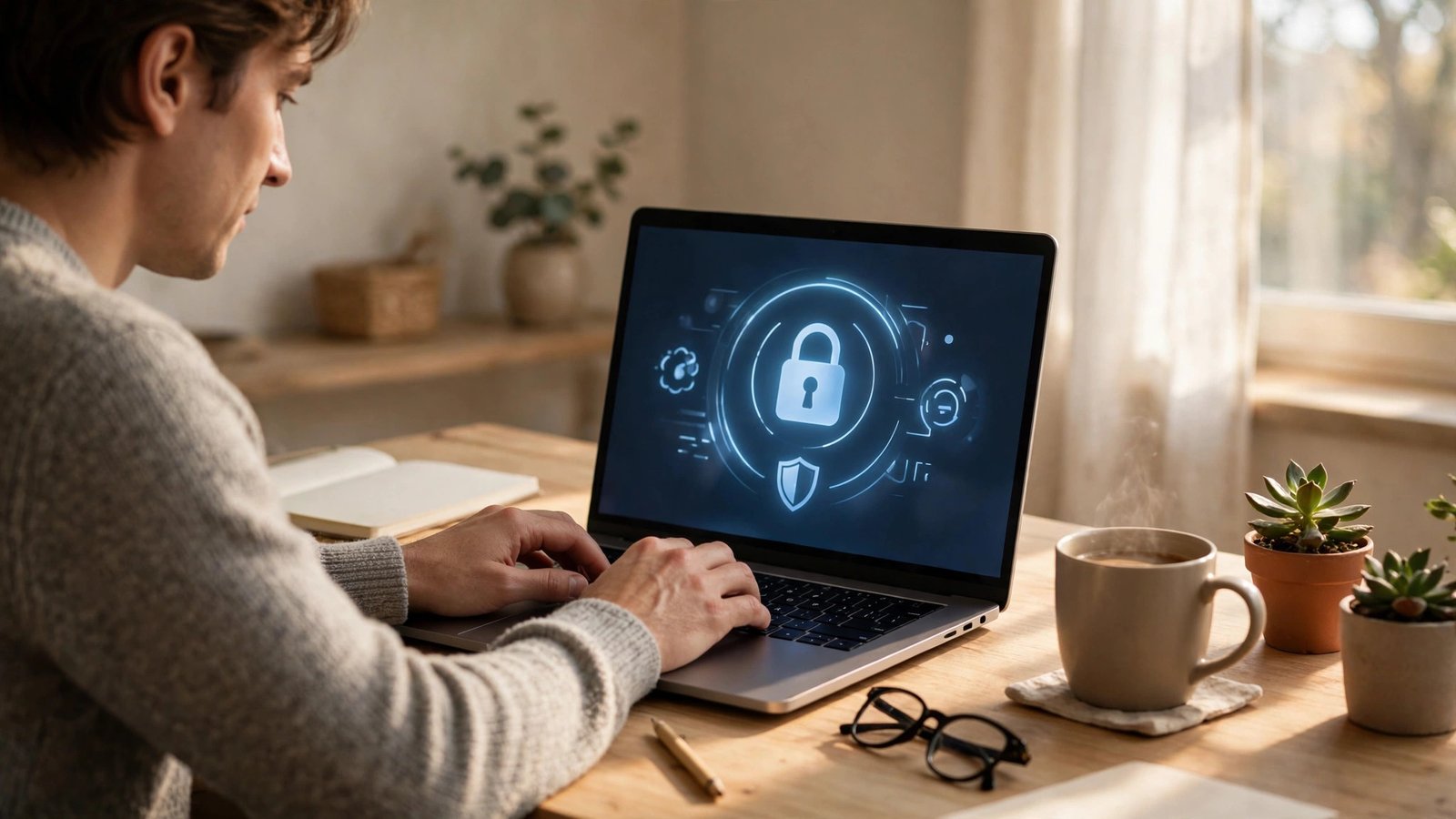
2. Change Your Email Password First
Your email is the master key to your digital life because every “reset password” link flows through it. If a hacker owns your email, they can reset their way into your bank, shopping, and social accounts one by one. This makes your email password the single most important one you have.
Give it a long, unique passphrase you use nowhere else, something like four random words strung together. Then turn on two-factor authentication for good measure. Securing your email account first means even a breached password elsewhere cannot easily cascade into total takeover.
3. Turn On Two-Factor Authentication Everywhere
Two-factor authentication means a stolen password alone is not enough to break in, because the attacker also needs a code from your phone. Enable it on your email, bank, social media, and anywhere else it is offered. It takes seconds per site and blocks the vast majority of automated attacks.
Use an authenticator app like Google Authenticator or Authy rather than SMS codes when you have the choice, since SIM swapping can intercept texts. Yes, the extra step is mildly annoying at first. But two-factor protection turns a leaked password from a disaster into a minor incident.
4. Stop Building Passwords from Personal Details
Your dog’s name plus your birth year is not a password, it is a guess waiting to happen. Attackers scrape social media for pet names, anniversaries, hometowns, and kids’ names, then feed them into cracking tools automatically. Anything findable about you is a terrible password ingredient.
This also kills the classic “clever” substitutions like replacing E with 3, which cracking software tries in milliseconds. Passwords need to be random, not meaningful, because human brains are predictable and computers are patient. Let go of memorable and embrace random.
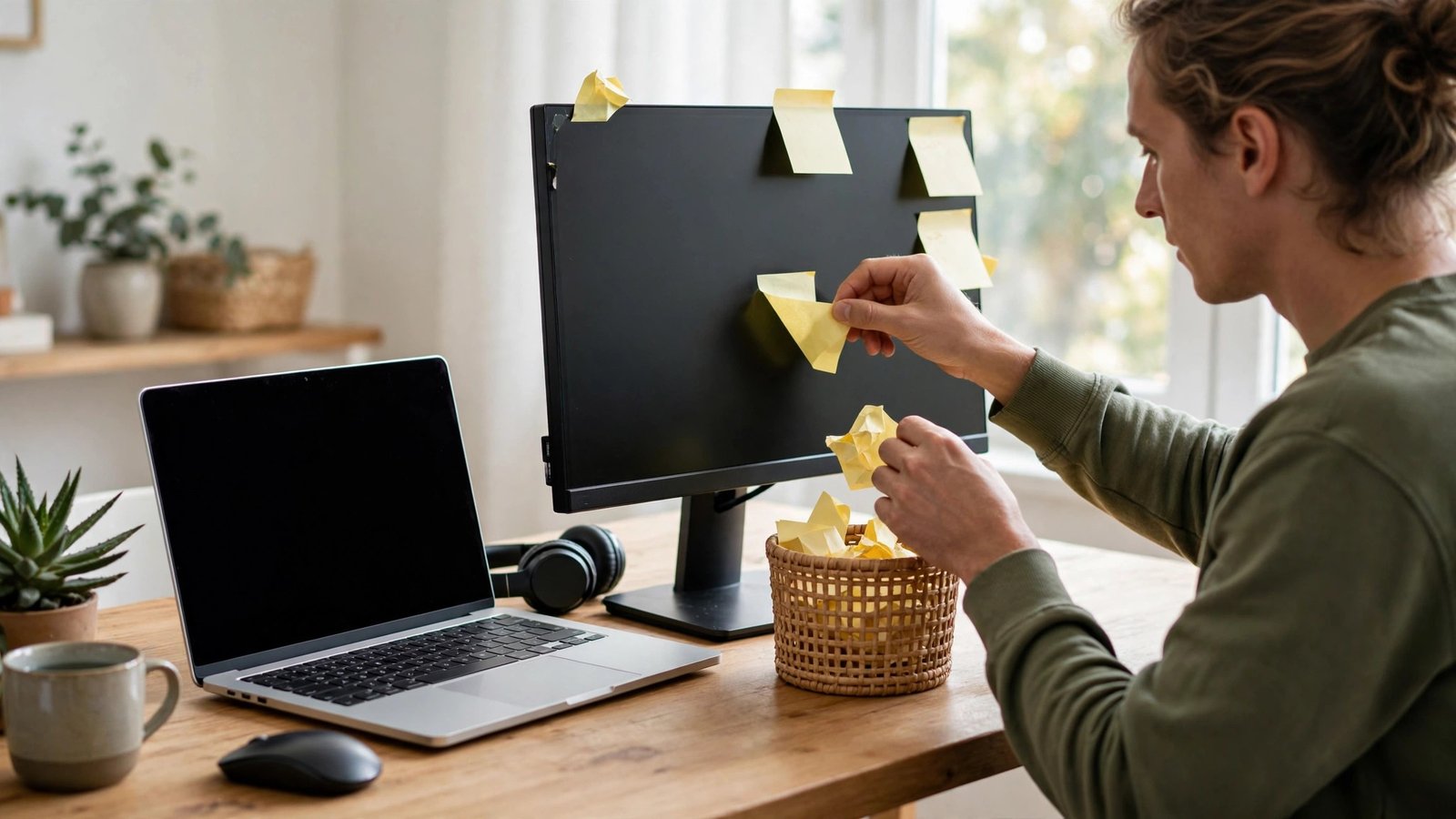
5. Let the Manager Create Passwords for You
Once you have a password manager, stop inventing passwords entirely and let it generate them. A random 20-character string of letters, numbers, and symbols is effectively uncrackable, and you never have to remember or type it. Clicking “generate” beats agonizing over something clever every time.
When you create a new account, the manager offers a fresh random password automatically. Accept it without hesitation. Generated passwords eliminate both reuse and weak choices in one move, which is why security experts have preached them for years.
6. Check Whether Your Passwords Already Leaked
Billions of login credentials circulate in breach databases, and yours may be among them. Visit haveibeenpwned.com and enter your email addresses to see which breaches exposed them. The results are often eye-opening, even for careful people.
For every breached account, change that password immediately to something unique, starting with the most sensitive ones. This is also the perfect moment to stop reusing passwords going forward, since you are already doing the cleanup. Treat a breach notification as a fire alarm, not junk mail.
7. Lock Your Phone with a Real Passcode
Your phone holds your authenticator app, your email, and often your password manager, which makes its lock screen a critical security boundary. A four-digit PIN or a simple swipe pattern can be guessed or shoulder-surfed in seconds. Switch to a six-digit PIN at minimum, or better yet an alphanumeric passcode.
Enable biometric unlock too, since fingerprints and face recognition are both convenient and strong. Also set the phone to auto-lock after thirty seconds so a forgotten phone on a cafe table does not stay open. Your phone is the vault holding your other vaults.

8. Stop Letting Your Browser Save Passwords
Browser password saving feels convenient, but it is far weaker than a dedicated manager. Anyone who borrows your unlocked laptop can view saved passwords in Chrome or Edge settings with a couple of clicks, no master password required by default. Malware specifically targets browser password stores too.
Export your saved logins from the browser into your password manager, then turn browser saving off and clear the stored ones. A proper manager encrypts everything behind your master password, while browsers historically treated saved logins as a convenience feature with security as an afterthought.
9. Change Passwords After Any Breach News
When a service you use announces a breach, do not wait to see if you were affected, just change that password. Companies often take months to notify everyone, and attackers start exploiting stolen data within hours. Speed matters more than certainty here.
This is where unique passwords pay off enormously: a breach at one site affects only that site. If you had reused that password elsewhere, you would be scrambling across dozens of accounts. Unique passwords turn breach response from a crisis into a five-minute errand.
10. Write Down Your Master Password and Store It Safely
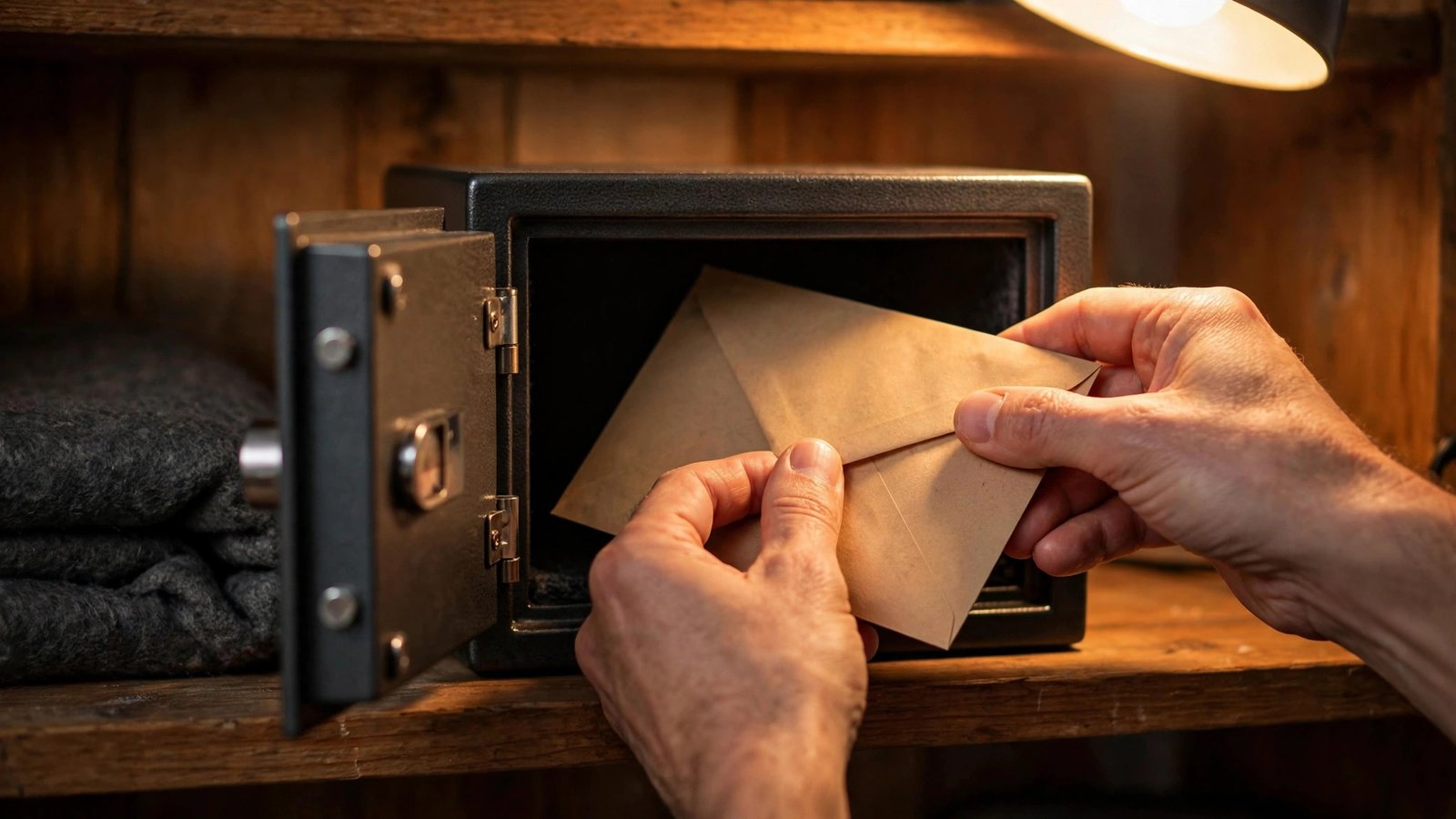
The one password you must never lose is your manager’s master password, because losing it can lock you out of everything. Write it on paper, seal it in an envelope, and store it somewhere physically secure like a safe or a safe deposit box. Paper cannot be hacked remotely.
Do not store it in your phone notes, email drafts, or a photo, all of which defeat the purpose. Tell one trusted person where the envelope lives in case of emergency. This paper backup feels old-fashioned, but it is the recovery method security professionals actually recommend.
FAQs
Is it really that bad to stop reusing passwords if mine are strong?
Yes, because strength does not survive reuse. A 20-character masterpiece becomes worthless the moment one site holding it gets breached, and breaches happen to well-run companies constantly. Attackers automate credential stuffing, testing stolen pairs across hundreds of sites in minutes. Unique passwords contain every breach to a single site.
Are free password managers safe to trust?
Reputable free managers like Bitwarden use the same strong encryption as paid ones, and their code is independently audited. The company never sees your actual passwords because encryption happens on your device. Avoid obscure free managers with no audit history, but the established names are safer than any DIY system.
What makes a good master password?
A passphrase of five or six random words, like “correct horse battery staple”, is both strong and memorable. Avoid quotes, song lyrics, and anything personal. Since it is the only password you memorize, make it long rather than complex. Write it down per step ten, because forgetting it is the real risk.
Does changing passwords regularly still matter?
Forced regular changes are outdated advice that leads to weaker passwords like “Summer2026!”. Modern guidance says change passwords when there is a reason: a breach, a shared password, or a suspicious login. Unique, strong, manager-generated passwords do not expire, they just sit there being uncrackable.
What if my password manager company gets hacked?
It has happened, and the design held up: your vault is encrypted with your master password, which the company never has. Attackers got encrypted blobs, not usable logins. This is why a strong, unique master password matters so much. No system is perfect, but a manager breach is far less damaging than reusing one password everywhere.
Conclusion
Password security used to demand an impossible memory feat, but managers and two-factor codes have made it genuinely easy. Set up the manager this weekend and change your email password today, and you will stop reusing passwords for good. What is the oldest password you are still reusing somewhere?